Wyns Casino App for Australia
Quick. Familiar. Works on your phone.
Quick. Familiar. Works on your phone. That's the vibe we aim for with the wyns casino app experience — and yes, you can use it without a store download. We built it for mobile browsers, so you can tap in, load fast, and get on with your night.
We run a mobile-first platform for Australia, with AUD support and touch-friendly navigation that feels like an app. Add a shortcut to your Home Screen and it opens full-screen, like it belongs there. Honestly, it takes a minute.
You'll also find built-in safety tools and clear terms. And we take 18+ and responsible gambling seriously. Simple as that.
Do We Have a Wyns Casino App in 2026?
Our "App" is a Home Screen install (PWA shortcut)
Yes — and no. Is it a store app? No.
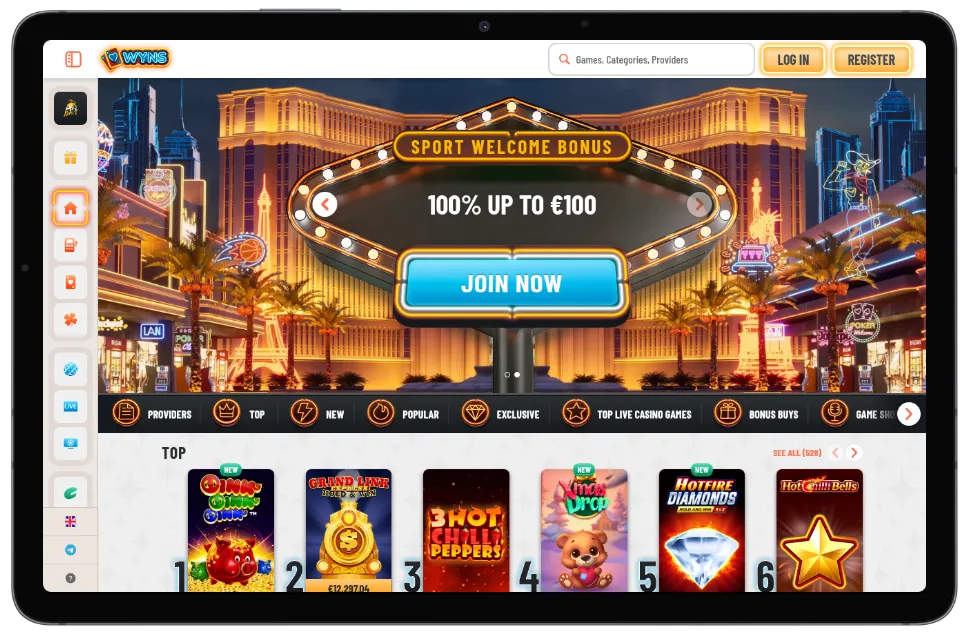
What we offer is the wyns casino app style setup: our mobile site can be saved as a shortcut on your Home Screen, kind of like a PWA. You tap once and you're in.
It's basically our full platform in a mobile wrapper. No waiting on app store approvals. No big file downloads. Just the version that's already live on our site, opening in a clean, app-like window.
And look, it's practical. If your phone storage is tight, this approach is usually a relief.
What you get vs a native Android/iOS app
A native app can feel "installed" because it's a separate package. Our approach is lighter, and in most cases you won't notice what's missing.
What you do get:
- Full-screen app-like view after you add the shortcut
- Fast access on Android and iPhone (iOS)
- The same menus, betting features, and account tools you'd expect on desktop, just tuned for mobile
What you might not get:
- Some OS-level stuff like deep system notifications (varies by device and browser)
- A single "download" button inside an app store listing
Still, for play on the go in Australia, it's pretty much the point. One tap. Done.
How You Install Our App-Style Shortcut
Android (Chrome): Add to Home Screen
On Android, Chrome usually makes this easy. Open our site, then:
- Tap the three-dot menu in Chrome
- Select Add to Home screen (or Install app, depending on your version)
- Confirm the name and add the icon
That's it. Short.
You'll now have a shortcut that launches our app-style view.
iPhone (Safari): Add to Home Screen
On iPhone (iOS), Safari is the smooth path. Open our site in Safari, then:
- Tap the Share icon (the square with the arrow)
- Scroll and tap Add to Home Screen
- Name it, then tap Add
It'll appear like any other app icon. Honestly, it feels natural.
Quick fix if "Install" doesn't show
Sometimes the install prompt just… doesn't appear. Annoying, but fixable.
Try this:
- Use Chrome on Android or Safari on iPhone (iOS) — other browsers can hide the option
- Update your browser to the latest version
- Clear cache for the site, then reload
- Switch from private/incognito mode to normal mode
- If you're on patchy mobile data, jump onto Wi‑Fi and try again
Usually, one of those does it. If not, our support section is right there and we'll help you sort it out.
Why You'll Like Playing on Our Mobile Version
Fast loading, thumb-friendly menus
Fast matters on mobile. So we keep menus big enough for thumbs, pages light enough for 4G/5G, and the important buttons where you'd expect. No hunting around.
Some nights you're on the couch. Some nights you're on a train. Either way, our mobile version is made to keep up. And yeah, it's built to feel like an app once your shortcut is in place.
Search, filters, favourites on mobile
We've made discovery on mobile less of a mess. Search is always close. Filters are simple. Favourites are a real thing, not a hidden feature.
What you'll notice day to day:
- Quick load times on mobile, even when your connection is average
- Big, clear navigation that doesn't fight your thumbs
- Search + filters so you can find games fast, not "eventually"
- Favourites list that saves your usual picks (handy for repeat play)
- App-style shortcut launch from your Home Screen, so you skip typing URLs
- Clean layout that keeps sports and casino sections readable on smaller screens
No store apps required. No drama. Just play.
What You Can Play on the Wyns Casino App
Live dealer and tables on mobile
We keep live action mobile-friendly, because that's where a lot of players in Australia want it. The live lobby is designed to run smoothly on phones, with camera feeds that adapt to your screen size.
You'll see familiar table formats, and the controls are made for touch. Betting chips, camera angles, side menus — all workable without feeling fiddly. And yes, the mobile platform handles portrait and landscape depending on the table.
We partner with Evolution for live dealer content, and it shows in stability and variety. Some sessions run long. So we've focused on keeping the mobile version steady.
Jackpots and tournaments on your phone
If you like bigger prize pools, we keep jackpots and scheduled promos accessible on mobile too. You can check what's running, open details, and jump in from the same app-style view.
To give you clear examples of what's available in our mobile catalogue right now, you'll typically find:
Pokies-style titles
2,400+ games
Table games
180+ (including roulette, blackjack, baccarat variants)
Live dealer rooms
80+ live tables and shows
Jackpots
40+ jackpot-enabled games
Instant-win & arcade
120+ quick games for short sessions
Tournaments & drops
10+ rotating campaigns running at any given time
We work with providers we trust: NetEnt, Microgaming, Yggdrasil, Pragmatic Play, and Evolution. That mix keeps the game styles varied, which matters. Some nights you want classic spins. Other nights you want a live host and a bit of chat. So yeah, options.
And because it's mobile, we keep the "back to lobby" flow simple. Tap. Browse. Play again.
Our Bonuses You Can Claim on Mobile
Welcome offer on mobile
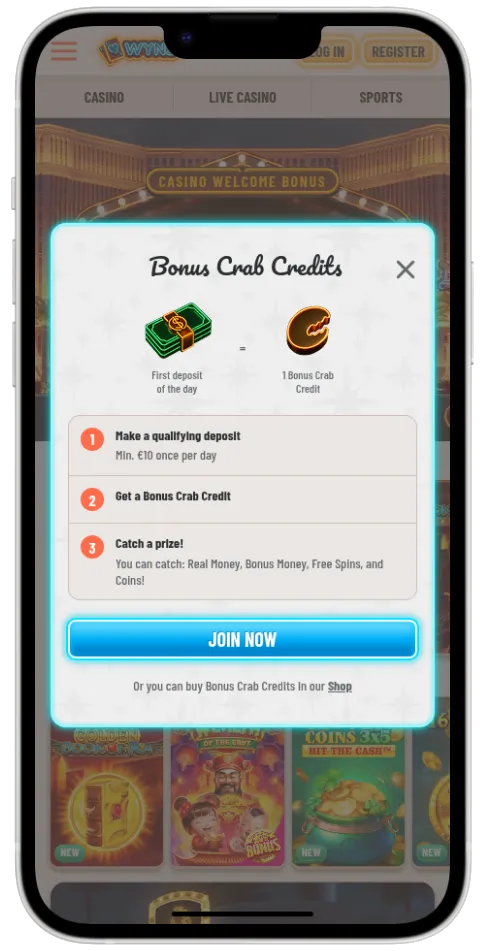
We keep bonus offers available on mobile the same way you'd see them on desktop, just formatted for your phone. The key thing: we show the core terms up front so you're not guessing.
Bonus rules can feel picky. Max bet limits, wagering, time windows. We get it. So we put the important bits in plain view before you accept anything.
Ongoing promos and cashback (how we notify you)
We also run regular promos — reload deals, free spin style campaigns, and cashback offers. How you'll hear about them: usually in your account messages and promo pages on the mobile version. In some cases, we'll also highlight them with in-site banners so you don't miss a short time limit.
A quick snapshot of typical mobile offers looks like this:
| Offer | Bonus amount | Wagering | Max bet | Time limit | Key notes |
|---|---|---|---|---|---|
| Mobile Welcome Bonus | 100% up to AUD 300 | 35x | AUD 5 | 7 days | Applies to selected titles; check eligible list before you play |
| Free Spins Pack | 100 spins | 40x winnings | AUD 5 | 3 days | Spins usually tied to a featured game |
| Reload Bonus | 50% up to AUD 200 | 30x | AUD 5 | 3 days | Often runs on weekends; terms can change |
| Cashback | 10% weekly | 1x | N/A | 24 hours to claim | Credited as bonus funds in most cases |
| Live Tables Offer | 20% up to AUD 100 | 20x | AUD 10 | 48 hours | Eligible live games listed in promo terms |
One more thing. If a bonus doesn't fit how you play, skip it. Honestly, that's allowed. The best bonus is the one you can actually clear without forcing weird betting.
Payments on Mobile (AUD-Friendly)
Banking and crypto options we support
On mobile, payments need to be quick and readable. So our cashier screens are designed for phones, and we keep AUD front and centre where supported. You can pick what suits you and confirm in a few taps.
Common options you'll see on our mobile cashier include:
- Visa / Mastercard
- POLi (available for many Australian bank transfers)
- PayID / instant bank transfer (availability depends on provider)
- Bitcoin (BTC)
- Ethereum (ETH)
- Tether (USDT)
We keep it simple. You choose a method, enter the amount, confirm, and you're back to play. No wandering through ten pages.
Typical processing times you can expect
Processing depends on the method and your verification status. That's normal. Most deposits show quickly, while cashouts can take longer due to checks and AML requirements.
Typical ranges we see on the platform:
| Method | Min | Max | Fees | Processing time |
|---|---|---|---|---|
| Visa / Mastercard | AUD 20 | AUD 5,000 | Usually none | Usually instant |
| POLi | AUD 20 | AUD 10,000 | Usually none | Usually instant |
| PayID / Bank transfer | AUD 20 | AUD 20,000 | Usually none | Often minutes to a few hours |
| Bitcoin | AUD 30 | AUD 100,000 | Network fees | Often 15–60 mins after confirmations |
| Ethereum | AUD 30 | AUD 100,000 | Network fees | Often 5–30 mins after confirmations |
| USDT | AUD 30 | AUD 100,000 | Network fees | Often 5–30 mins after confirmations |
Times are "typical", not a promise. But they're a decent guide. If anything looks stuck, our support section can check it quickly.
Is Our App Safe to Use?
SSL encryption and account protection
Yes, we treat security seriously. Our mobile site uses SSL encryption, so data sent between your device and our servers is protected in transit. That's table stakes, honestly, but we still call it out because it matters.
We also encourage basic account hygiene:
- Use a unique password
- Avoid shared devices
- Log out if you're on someone else's phone
And if something looks off, you can contact us straight away. We aim to reply on live chat in under 2 minutes (typical). Fast help beats long emails.
RNG fairness and game testing standards
For fairness, we rely on RNG-based games that follow recognised testing standards. We recognise iTech Labs testing for RNG verification as part of the standards we align with across our catalogue. Live tables, of course, are dealt in real time, so the fairness model is different there.
We also run KYC checks and follow AML rules. That can feel like paperwork. It's also how we help protect accounts and keep the platform clean. You'll see these details in our terms and privacy pages, plus the footer where we reference licensing information.
We've been operating since 2020 and we keep improving our mobile experience. Some updates are tiny. Others are noticeable. Either way, we keep pushing.
How You Start in Minutes
Create your account
It doesn't take long on a phone. The forms are short and the fields are sized for mobile, so you're not pinching and zooming like it's 2012. Once you're in, you can set up your preferences and get your Home Screen shortcut sorted.
And yes, the app-style view makes returning easier. One tap. Back in.
Verify (KYC) and set limits if you want
Verification is part of responsible operation. It also helps prevent fraud. You can usually handle KYC from your phone by uploading a clear photo of your ID and proof of address, depending on what we request.
If you want extra control, you can set limits. Deposit limits, time-outs, and self-exclusion are available. No lecture. Just tools.
Steps most players follow:
- Open our site on mobile and add the wyns casino app shortcut to your Home Screen
- Create your account with your details
- Confirm your email or phone if prompted
- Head to the cashier on the mobile version and choose an AUD-friendly method
- Complete KYC when requested (ID + documents), to keep everything smooth later
- Set deposit limits or time-outs if you want tighter control
- Start play and save favourites for quick access next time
Short steps. Realistically, you're up and running pretty fast.
Support and Responsible Gambling in Australia
How you reach us 24/7
If you need help on mobile, we keep support easy to find. No endless scrolling.
You can reach us via:
- Live chat (fastest, and usually the easiest on a phone)
- Email support (good for document-based questions)
We also keep a support section with common answers and links to key pages. So if you're stuck on a browser setting, a shortcut issue, or a payment screen, you're not guessing.
Deposit limits, time-outs, self-exclusion, 18+
We're strict on 18+ only. If you're underage, don't use our platform. Full stop.
For responsible gambling in Australia, we provide:
- Deposit limits (daily, weekly, or monthly)
- Time-outs when you need a break
- Self-exclusion for longer periods
- Reality checks and account controls, depending on your settings
If gambling stops being fun, pause. Talk to someone. Use the tools. Honestly, that's what they're there for.
We operate under Dreamline Ventures SRL and reference our Tobique licence details in our terms and site footer. If you ever want to double-check operator info, that's where it lives.
FAQ
Is the wyns casino app a real download from the app store?
No. We don't push store apps. You use the wyns casino app experience by saving a Home Screen shortcut from your mobile browser, and it opens like an app.
How do I add the shortcut on Android?
Open our site in Chrome, tap the menu, then Add to Home screen. It's usually three taps. If the option doesn't show, update Chrome and try again.
How do I add the shortcut on iPhone (iOS)?
Use Safari, tap Share, then Add to Home Screen. Name it and add. It'll sit with your other apps.
Will the mobile version work on 4G/5G in Australia?
In most cases, yes. We keep the mobile layout light and fast, and the platform adapts to your connection. Live video tables will use more data, though.
Can I play live tables on my phone?
Yes, we run live tables built for touch controls. We partner with Evolution, so you'll see popular live formats and shows. It's designed to fit your screen, not fight it.
Do you support AUD on mobile payments?
Yes, we support AUD-friendly options in the cashier where available. You'll see methods like cards and local transfers, plus crypto options. The exact list can vary by provider and region.
Is it safe to use the app-style shortcut?
Yes, it's as safe as using our site in a browser, because that's what it is. We use SSL encryption and account security controls. You'll also be asked for KYC in line with AML rules.
How do you check game fairness?
Our RNG titles follow recognised standards and we recognise iTech Labs testing as part of the framework we align with. Live tables are dealt in real time. If you ever want details, our terms explain the approach.
Can I use the same account on phone and desktop?
Yes. It's the same platform account, just a different version of the interface depending on your device. Your favourites and history stay connected.
Where can I find your licence and operator info?
We list operator details for Dreamline Ventures SRL and reference Tobique licensing information in our terms and footer. It's there for you to check anytime.
Final word on the Wyns Casino App
If you want an app feel without the store download, we've set up the wyns casino app experience to do exactly that. Add the shortcut, open in one tap, and play on a mobile platform that's built for Australia, AUD use, and responsible 18+ gaming. Pretty simple. Pretty handy.